Customizing appearance
Themes
Themes will be discussed in detail in their own chapter, but it is worth highlighting how themes are intended to aid the performing musician. By default SongSheet Pro ships with three themes already installed:
- Default: black text on a light background, intended for use in a brightly lit area.
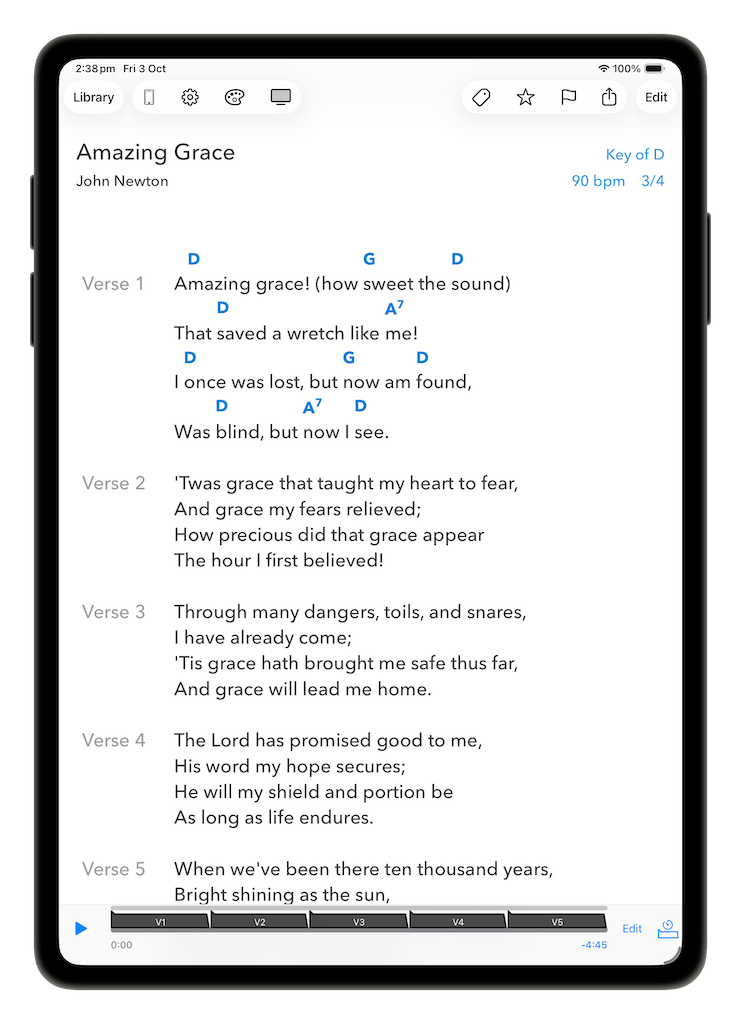
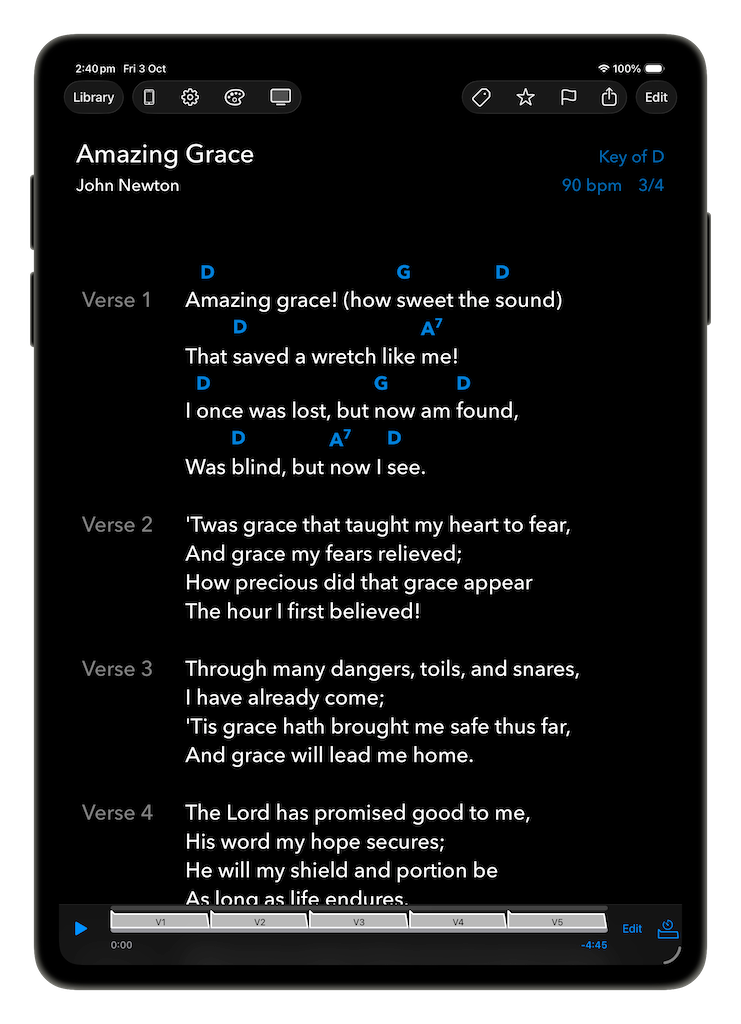
- Blackout: light text on a black background. This is intended for a dimly lit stage environment.
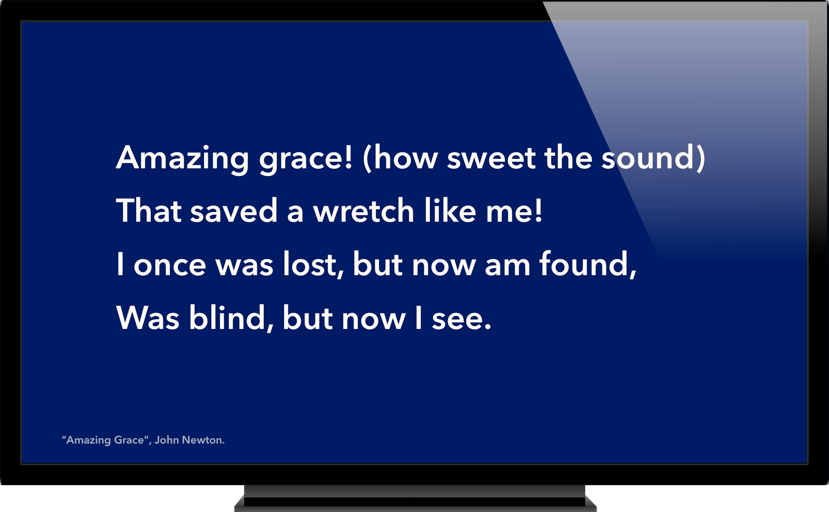
- Presentation: large white text on a dark blue background. This is the default theme for lyrics shown on an external display.
To change the current theme, tap  (the theme selector button) on the navigation bar and pick a new theme from the popup menu. When the device is set to dark mode, only dark themes will show up in the menu.
Quick font size changes
Although normally set in the theme editor, you can increase or decrease the size of lyrics and chords using a pinch gesture in the song view. (This feature can be turned off in the SongSheet Pro settings, accessible by tapping  (the settings button) on the navigation bar.)
Chord style
Also available within the settings popover is the ability to change the style in which chords are displayed.
To use a Jazz style chord notation, turn the Use Jazz chord notation setting on. Turn the setting off to return to normal.